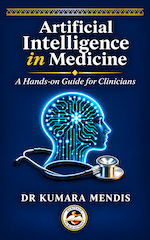
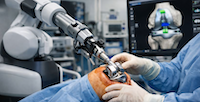
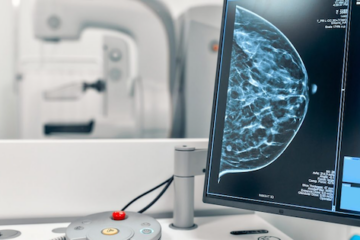
Welcome to a space built specifically for the modern healthcare professional navigating the next frontier of patient care. Artificial intelligence is no longer a futuristic concept—it is actively reshaping diagnostics, workflows, and clinical decisions in hospitals and clinics worldwide. This platform is designed to demystify complex technology, cut through the marketing noise, and provide you with actionable, objective insights. Here, we help you understand the engineering, evaluate the tools, and confidently question the systems, ensuring that human clinical judgment always remains at the center of medicine.